Instagram Image Sizes 2026: Feed, Carousel & Profile
Published July 19, 2026 · Updated July 19, 2026 · 10 min read · by SevenOneLabs
Instagram is the most image-focused social platform, and using the correct dimensions directly affects how your content performs. Posts that match Instagram's preferred aspect ratios get more engagement because they display fully in the feed without awkward cropping. This guide covers every Instagram image format with exact pixel dimensions, aspect ratios, and best practices updated for 2026.
Instagram Image Sizes at a Glance
| Image Type | Dimensions | Aspect Ratio | Best For |
|---|---|---|---|
| Square Post | 1080 x 1080 | 1:1 | Profile grid consistency, quotes |
| Portrait Post | 1080 x 1350 | 4:5 | Maximum feed visibility |
| Landscape Post | 1080 x 566 | 1.91:1 | Wide scenes, group photos |
| Carousel | 1080 x 1350 | 4:5 | Multi-image content |
| Profile Picture | 320 x 320 | 1:1 | Avatar across the platform |
| Story / Reel | 1080 x 1920 | 9:16 | Full-screen vertical content |
Instagram Feed Post Dimensions
Your feed is the first thing visitors see on your profile. Instagram supports three aspect ratios for feed posts, and each has different performance characteristics:
Square (1:1) — 1080 x 1080
The classic Instagram format. Square images display consistently across the profile grid, feed, and search results. They take up less vertical space than portrait posts, making them ideal for high-volume posting where you want the grid to look uniform. Use square for quote graphics, product shots with clean backgrounds, and any image where the subject is naturally centered.
Portrait (4:5) — 1080 x 1350
Portrait is the highest-engagement format for Instagram feed. At 4:5, these images take up more vertical screen space than square posts, making them harder to scroll past. Longer view time signals stronger content quality to the feed. Use portrait for fashion, food, travel, and lifestyle content where vertical composition adds drama. Most professional Instagrammers use portrait as their primary format.
Landscape (1.91:1) — 1080 x 566
Landscape images work well for wide scenes, architecture, and group shots but take up the least vertical space in the feed. They are also the format used for link previews when sharing Instagram posts externally. Note that landscape images appear smallest in the feed and may get lower engagement as a result. Reserve landscape for content where the horizontal composition is essential.
Carousel Posts
Carousels let you share up to 10 images or videos in a single swipeable post. All cards in a carousel must use the same aspect ratio — mixing square and portrait will force Instagram to crop everything to the first image's ratio. The first image is the most important because it appears in the feed and determines whether users swipe. Carousels consistently outperform single-image posts because each swipe counts as a separate interaction signal for the algorithm.
- Use 1080 x 1350 (4:5) for maximum feed presence.
- Keep the first image visually striking — it is your thumbnail.
- Use a consistent color palette across all slides for a professional look.
- Text-heavy slides work well in positions 2-4; put the hook in slide 1.
- Videos in carousels autoplay on mute — add captions if they contain audio-dependent content.
Profile Picture
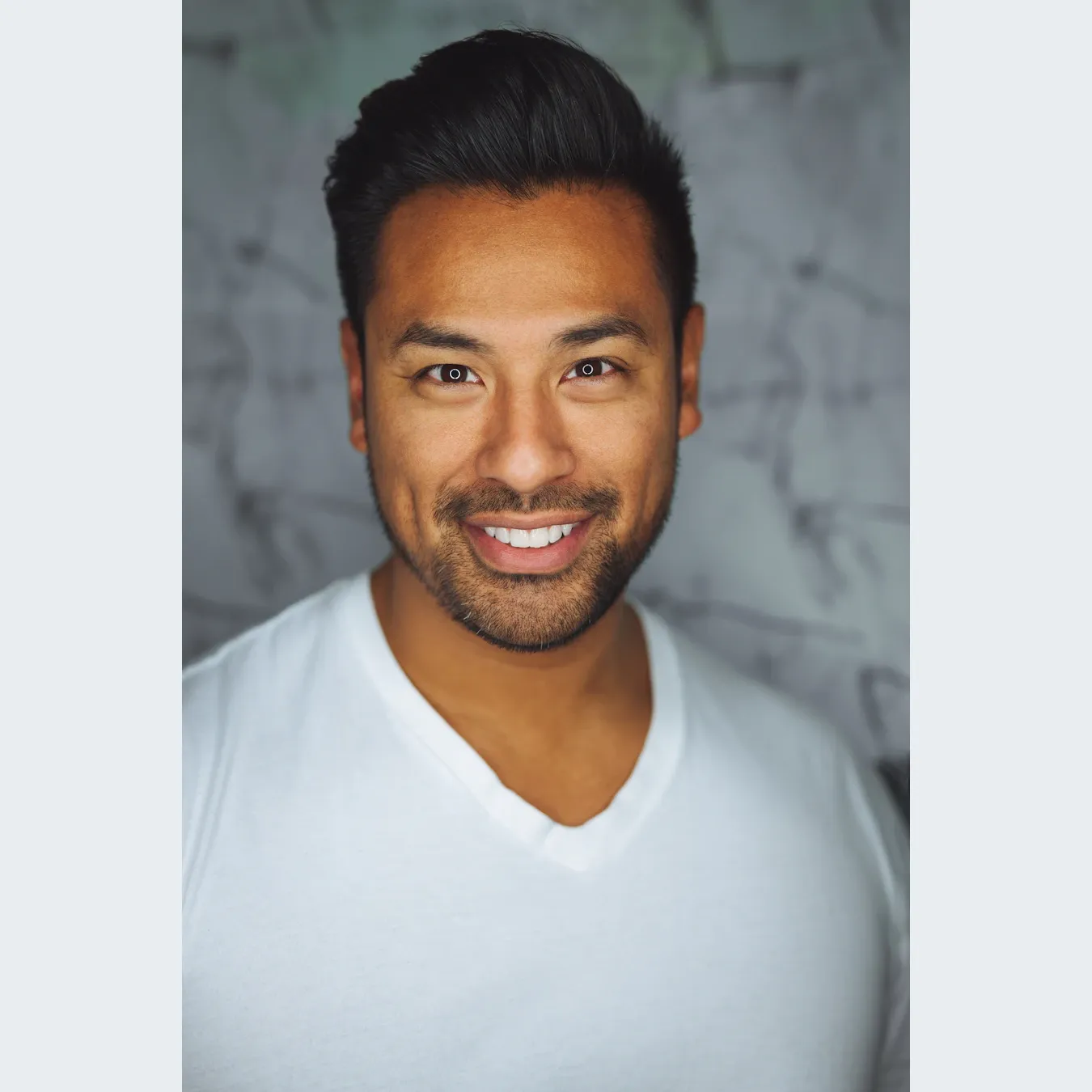
Your profile picture displays at 320 x 320 pixels but appears as a circle in the app. Instagram stores it at 110 x 110 on the profile page and 40 x 40 in comments and notifications. Upload a high-resolution square image and keep your subject centered within the frame — Instagram crops the edges into a circle, so anything near the corners will be invisible.
- Upload at 320 x 320 pixels minimum — larger files look sharper after compression.
- Keep the subject within the central 60% of the frame to account for the circular crop.
- Avoid text in profile pictures — it becomes unreadable at thumbnail size.
- Use a solid background color rather than a busy scene for better recognizability at small sizes.
- PNG format preserves sharp edges for logos; JPEG is fine for photos.
Instagram Ad Dimensions
Instagram ads follow the same dimension rules as organic posts but require higher resolution for approved delivery. Instagram's ad review system flags low-resolution images, so always start with the maximum supported size:
| Ad Format | Recommended Size | Ratio |
|---|---|---|
| Feed Image | 1080 x 1080 | 1:1 |
| Feed Video | 1080 x 1080 | 1:1 |
| Story Image | 1080 x 1920 | 9:16 |
| Explore Image | 1080 x 1350 | 4:5 |
Image Quality Best Practices
Instagram compresses every upload, but you can minimize quality loss by following these guidelines:
- Stay under 20 MB. Instagram's upload limit is 20 MB for photos and 650 MB for videos. Compress larger files before uploading — Instagram's own compression is more aggressive on oversized files than on properly sized ones.
- Export at 90% JPEG quality. 100% quality produces files that Instagram recompresses anyway. 90% gives you a smaller starting file with negligible visual difference after Instagram's compression pipeline.
- Use sRGB color profile. Instagram strips embedded color profiles and displays in sRGB. Design in sRGB from the start to avoid color shifts between your editing software and the final post.
- Avoid oversharpening. Instagram applies its own sharpening filter. Uploading an already oversharpened image results in unnatural halos, especially around text and edges.
- Pixel dimensions matter more than DPI. Instagram ignores DPI/PPI settings. Only pixel dimensions determine display quality. A 1080px-wide image at 72 DPI looks identical to one at 300 DPI on Instagram.
Common Instagram Image Mistakes
- Off-center subjects in profile pictures. The circular crop hides anything near the corners. Faces and logos at the edge get partially or fully cropped out.
- Mixing aspect ratios in carousels. Instagram forces all carousel slides to match the first image's ratio. Inconsistent dimensions lead to unexpected cropping on later slides.
- Oversized files causing quality loss. Uploading a 50 MB photo triggers more aggressive Instagram compression than a properly sized 5 MB photo at the same resolution. Compress first.
- Using landscape for portrait content. Instagram shows landscape images small in the feed because they occupy less vertical space. Portrait content in landscape format looks disconnected from the message.
- Ignoring color profile shifts. Photos designed in Adobe RGB or Display P3 look washed out after Instagram strips the color profile. Design in sRGB for accurate color reproduction.
How the Instagram Algorithm Treats Image Size
Instagram's ranking algorithm considers several signal-based factors that your image choice directly influences:
- Dwell time. Portrait (4:5) images take up more screen space, which naturally increases how long users spend looking at your post before scrolling. The algorithm treats longer dwell time as a positive engagement signal.
- Save rate. Carousel posts tend to earn more saves than single images because users save them as reference content. Higher save rates can help your post reach the Explore tab.
- Shareability. Square images are the most shared format on Instagram because they display consistently in DMs and external previews without cropping. Higher share counts signal content value to the algorithm.
- Completion rate (video). For video content, 9:16 vertical format has the highest completion rate because it fills the mobile screen entirely, reducing the chance users scroll past.
Quick Reference Card
| Use Case | Dimensions | Format |
|---|---|---|
| Feed square | 1080 x 1080 | JPEG / PNG |
| Feed portrait | 1080 x 1350 | JPEG / PNG |
| Feed landscape | 1080 x 566 | JPEG |
| Carousel | 1080 x 1350 | JPEG (consistent ratio) |
| Profile picture | 320 x 320 | PNG (logos) / JPEG |
| Feed ad | 1080 x 1080 | JPEG |
| Story ad | 1080 x 1920 | JPEG / PNG |
How SquarePic Helps with Instagram Images
SquarePic lets you resize, crop, and convert images to any Instagram format directly in your browser. No uploads, no signup, no watermarks. Use the Instagram image resizer to select your target format — feed post, profile picture, or story — and download a perfectly sized image in seconds. All processing happens client-side; your images never leave your device.
Frequently Asked Questions
What is the best size for Instagram feed posts?
1080 x 1350 pixels (4:5 portrait) is the best size for Instagram feed posts. It takes up more vertical space than square, keeping users on your content longer and often performing better in the feed.
What size should Instagram profile pictures be?
Upload a 320 x 320 pixel square image at minimum. Instagram displays it as a circle, so keep your subject centered within the frame. Larger files look sharper after compression.
Can I mix square and portrait images in a carousel?
No. All images in a carousel must use the same aspect ratio. Instagram crops everything to match the first image's ratio. Use 1080 x 1350 (4:5) for consistent visibility.
What is the maximum file size for Instagram photos?
20 MB for photos and 650 MB for videos. Compress larger files before uploading to avoid failed uploads and aggressive platform compression.
Does Instagram compress uploaded images?
Yes. Instagram applies its own compression to all uploaded images. Starting with a properly sized image at 90% JPEG quality minimizes visible artifacts.
What file format should I use for Instagram?
JPEG for photos, PNG for graphics with text or logos. Instagram strips embedded color profiles, so design in sRGB to avoid color shifts.
Key Takeaways
Instagram supports three feed formats: square (1080 x 1080), portrait (1080 x 1350), and landscape (1080 x 566). Portrait 4:5 drives the highest engagement. Use consistent aspect ratios in carousels, center subjects for profile pictures, and export at 90% JPEG quality to minimize compression artifacts. For the full Instagram ecosystem including Reels and Stories, see the Reels and Stories guide.
Need to resize images for Instagram? Use SquarePic's Instagram image resizer — select your target format and download perfectly sized images in seconds. No signup required.