Loading...
Free Image Upscaler for PNG & JPG
Enlarge PNG, JPG, or WebP images 2x, 3x, or 4x with browser smoothing and optional sharpening. No AI model, signup, or watermark. Your photo stays on your device.
Drop an image or click to browse
Browser-decodable images such as PNG, JPEG and WebP — up to 30 MB
More Free Image Tools
Crop, convert, compress & resize - all in your browser.
Resize Images for Every Platform
Choose a platform, then a size for your post, profile or banner.
Convert Between Image Formats
Switch formats for photos, transparent artwork or website icons.
How to upscale a PNG or JPG image
Image upscaling increases width and height. SquarePic offers 2x, 3x, and 4x enlargement with optional sharpening, all on your device. It uses the browser's image-smoothing controls, so the exact resampling method and appearance can vary by browser.
- Select the original image rather than a screenshot or a previously compressed copy.
- Start with 2x. Choose 3x or 4x only if you need the additional output pixels.
- Try Smart Sharpen both on and off. Compare the edges of lettering, hair, and other fine detail in the preview.
- Export as PNG for lossless output and transparency, JPEG for photographs, or WebP when your destination supports it.
What 2x, 3x, and 4x actually change
The multiplier applies to each dimension, not to the total pixel count. A 2x enlargement contains four times as many pixels; 4x contains sixteen times as many. More pixels increase memory use and may slow processing on a phone.
| Scale | Output dimensions | Pixel count |
|---|---|---|
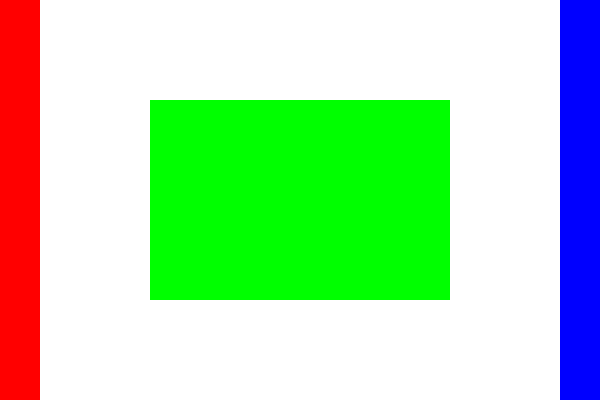
| 2x | 1200 × 800 | 0.96 MP |
| 3x | 1800 × 1200 | 2.16 MP |
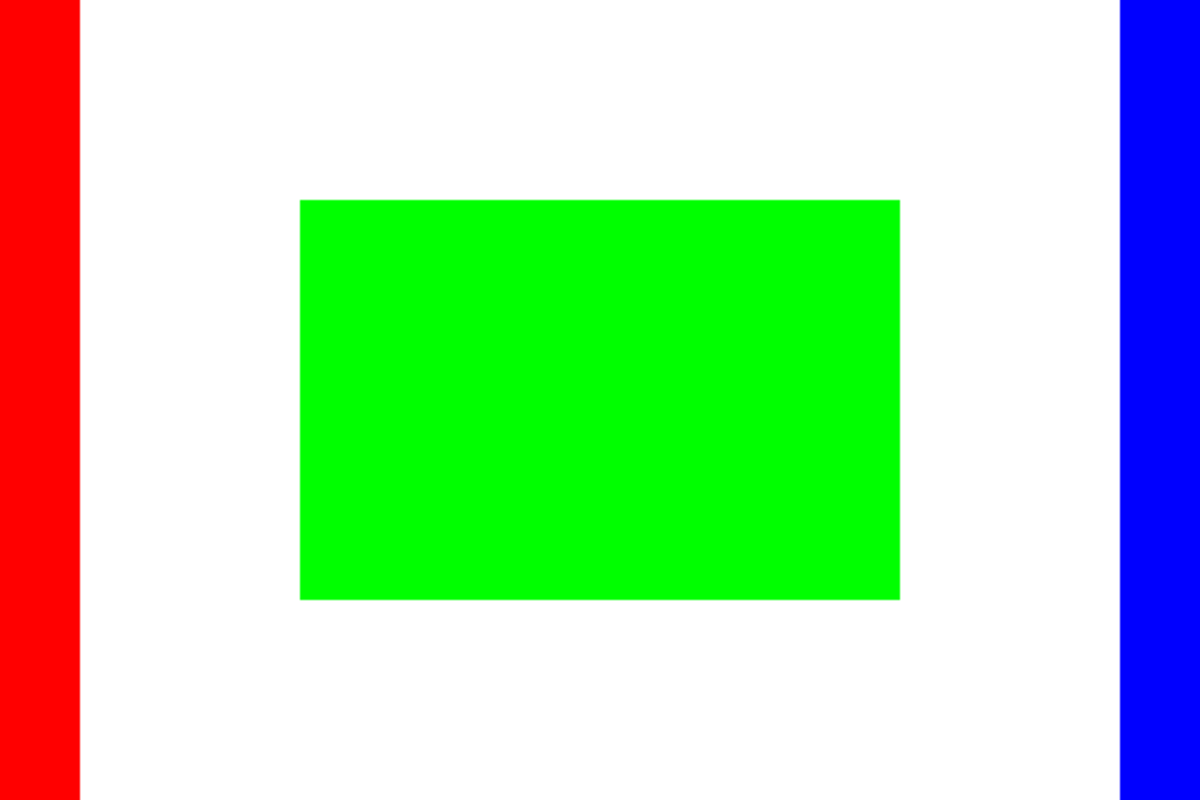
| 4x | 2400 × 1600 | 3.84 MP |
Use the image size and aspect ratio calculator when you need a specific proportional size. Enlarging a rectangular photo does not make it square; follow the square-photo guide to add background or crop.
Compare actual 2x and 4x downloads




Supported files and output limits
Start with a browser-decodable PNG, JPEG or WebP of up to 30 MB. Output is limited to 40 million pixels and 16,384 pixels per side. Large images can still exceed a device's available memory. If processing fails, choose a smaller source or lower multiplier and try again.
PNG and WebP retain transparency; JPEG fills transparent areas with white. Animated inputs become one still frame. Source metadata is not copied to the export.
Smoothing and sharpening have different jobs
Smoothing resamples the source into a larger grid of pixels. Smart Sharpen then increases contrast around edges. It can make the result look crisper, but it cannot reconstruct missing detail. Turn it off if you see halos around edges or stronger noise in flat areas.
The implementation requests high-quality smoothing through Canvas and applies a local sharpening filter. It does not guarantee a particular bicubic algorithm or use a generative AI model. See MDN's documentation of browser image smoothing for how that setting works.
Questions about enlarging photos
Is this an AI image upscaler?
No. SquarePic uses browser image smoothing and optional sharpening. It enlarges the pixels already in your image rather than generating new texture, facial detail, or lettering with an AI model.
Can I upscale a PNG with a transparent background?
Yes. Upload the PNG and select PNG for export to preserve transparent areas. JPEG does not support transparency. Check the downloaded PNG in an editor that displays transparency.
Will upscaling fix a blurry or compressed photo?
Enlargement cannot restore detail missing from the source. Sharpening can increase edge contrast, but it can also exaggerate noise and compression artifacts. Compare the original and result before downloading.
Is this suitable for pixel art?
This tool smooths images during scaling. Pixel art usually needs nearest-neighbor scaling to keep hard pixel edges, so a dedicated pixel-art editor is a better choice for that task.
Does upscaling change the aspect ratio?
No. The same multiplier is applied to width and height. A 600 × 400 photo becomes 1200 × 800 at 2x, keeping its 3:2 proportions.
Prepare an enlarged image for its destination
Planning a print? Read how to enlarge a photo for screens and printing to calculate the required pixels and check the result before ordering.
Review the output at its intended display size. For a banner or avatar, check the LinkedIn dimensions or Instagram presets before exporting. If a larger image exceeds an upload limit, use the image compressor after choosing the required dimensions.
Last updated: October 8, 2026